Getting Started
Get up and running with Vector ToDo in just a few minutes. This guide walks you through creating your account, setting up a workspace, and adding your first tasks.
Create your account
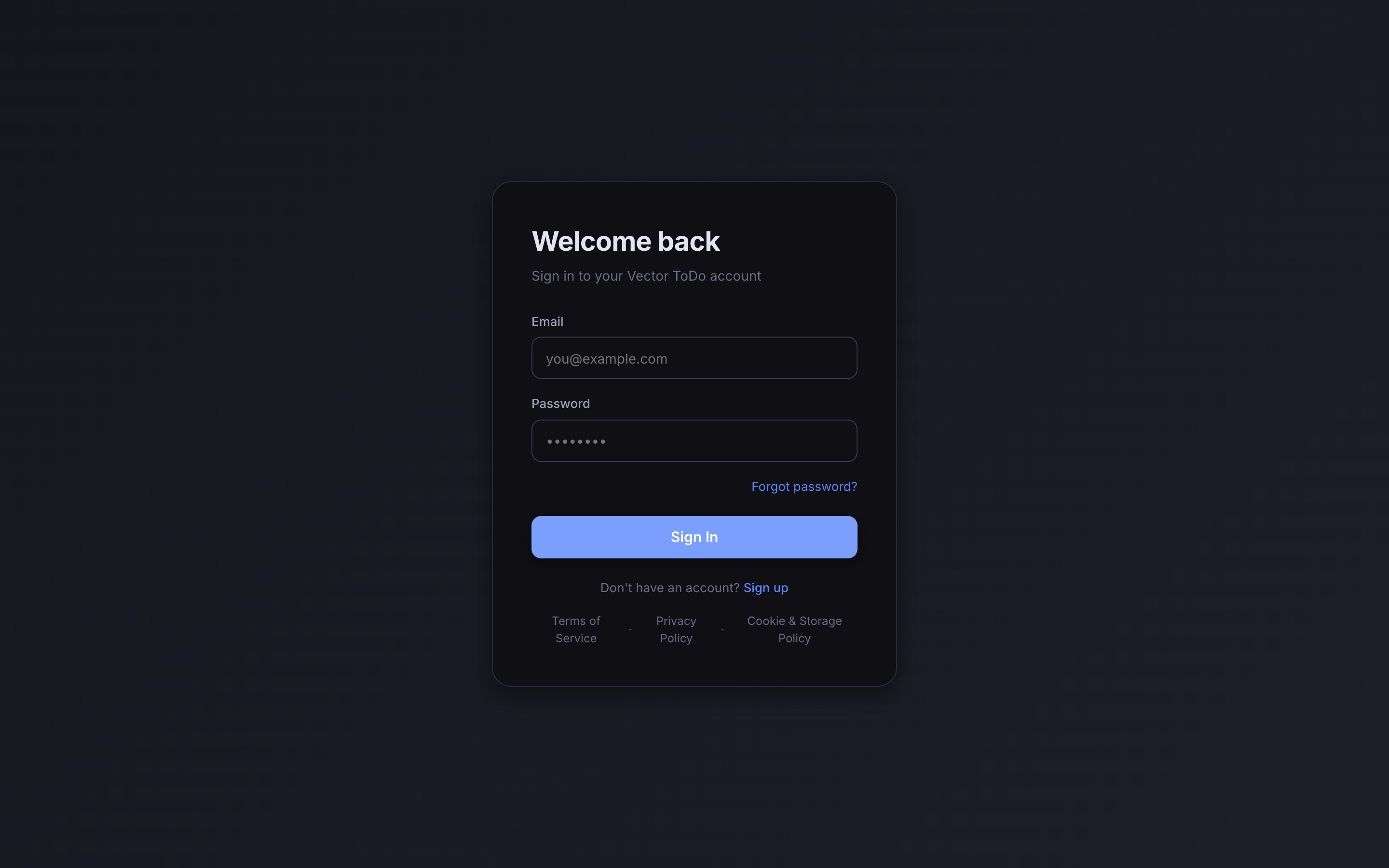
Go to vectortodo.com and click Sign Up
Visit vectortodo.com and click the "Sign Up" button in the top-right corner. Enter your email address and create a password.
Verify your email
Check your inbox for a verification email from Vector ToDo. Click the confirmation link to activate your account.
Set up your workspace
Create your first workspace
After signing in, you will be prompted to create a workspace. Give it a name — for example, "Personal" or your team name.
Create your first project
Inside your workspace, click "New Project" and give it a name. Every project comes with default sections: To Do, In Progress, Done. You can rename or add more sections later.

Add your first task
Click the "+" button or press N to create a new task. Give it a title, set a priority, add a due date, and assign it to yourself or a team member.
That is it — you are ready to start organizing your work with Vector ToDo. Explore the sidebar to discover more features like Kanban boards, smart workflows, and calendar views.